"It works on my machine."
If I had a dollar for every time I heard that in a mobile team, I'd have retired to a private island by now. The truth is, manual build processes are a recipe for disaster. They are slow, error-prone, and dependent on that one developer who knows the magic incantation to sign the release build.
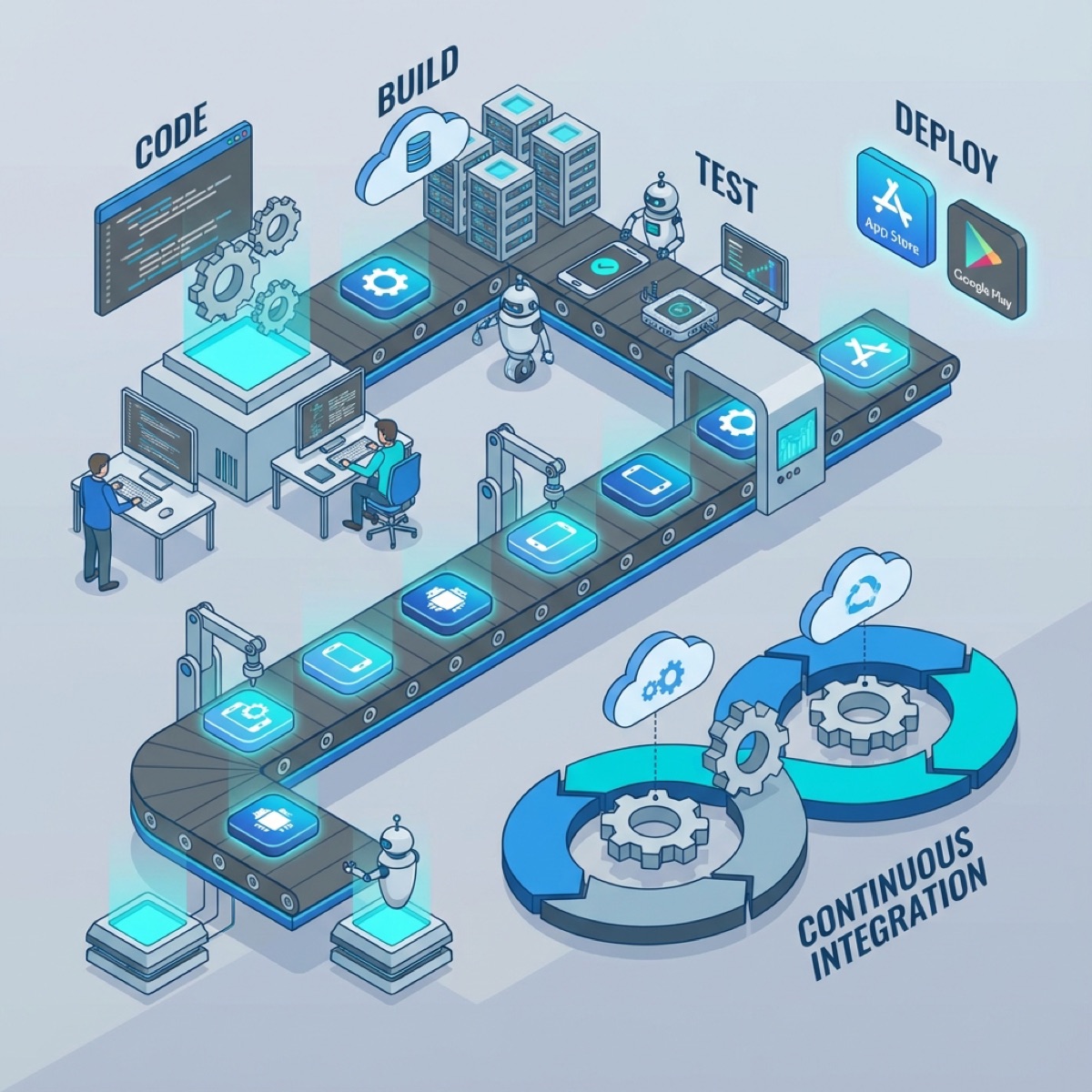
In 2025, Mobile DevOps isn't a luxury; it's a requirement. A robust CI/CD (Continuous Integration/Continuous Deployment) pipeline turns the chaotic art of releasing apps into a boring, predictable science.
The Holy Trinity: Fastlane, GitHub Actions, and Firebase
While there are many tools out there, this stack has emerged as the industry standard for its flexibility and cost-effectiveness.
1. Fastlane: The Automation Engine
Fastlane is an open-source tool that automates tedious tasks like generating screenshots, dealing with code signing, and releasing your application.
The heart of Fastlane is the Fastfile. Here is a production-grade lane for deploying to TestFlight:
default_platform(:ios)

platform :ios do
  desc "Push a new beta build to TestFlight"
  lane :beta do
    ensure_git_status_clean
    increment_build_number(xcodeproj: "MyApp.xcodeproj")

    # The nightmare of code signing, solved.
    match(type: "appstore", readonly: true)

    build_app(workspace: "MyApp.xcworkspace", scheme: "MyApp")

    upload_to_testflight(
      skip_waiting_for_build_processing: true
    )

    # Clean up
    clean_build_artifacts
  end
end
2. GitHub Actions: The Runner
You need a machine to run these lanes. GitHub Actions is perfect because it integrates directly with your repo and offers macOS runners (essential for iOS builds).
Here is a workflow that runs your tests on every Pull Request:
name: iOS Tests

on: [pull_request]

jobs:
  test:
    runs-on: macos-latest
    steps:
      - uses: actions/checkout@v4
      - name: Select Xcode
        run: sudo xcode-select -s /Applications/Xcode_16.0.app
      - name: Run Tests
        run: bundle exec fastlane tests
3. Firebase App Distribution: The QA Hub
TestFlight is great, but review times can be slow. For internal QA teams, Firebase App Distribution is instant. You can configure a lane to push to Firebase for the QA team and TestFlight for external beta testers.
Code Signing: The Elephant in the Room
The hardest part of iOS CI/CD is code signing. Apple's certificates and provisioning profiles are notoriously finicky.
Fastlane Match is the solution. It stores your certificates and profiles in a private Git repository (or Google Cloud Storage/S3). When your CI runner starts, it pulls the certificates, installs them in the keychain, and signs the app. No more manually exporting .p12 files and emailing them to new team members.
Conclusion
Automating your pipeline requires an upfront investment of time, but the ROI is massive. It frees your developers to focus on code, ensures that every release is identical to the last, and most importantly, it lets you ship on Friday afternoon with confidence (though maybe still don't do that).